Two perpetual books, one window
BingX runs perpetuals margined in USDT and others margined in USDC. Put the BTC-USDT and BTC-USDC contracts on neighboring charts and see whether they move in step.
 BingX connector for MT5
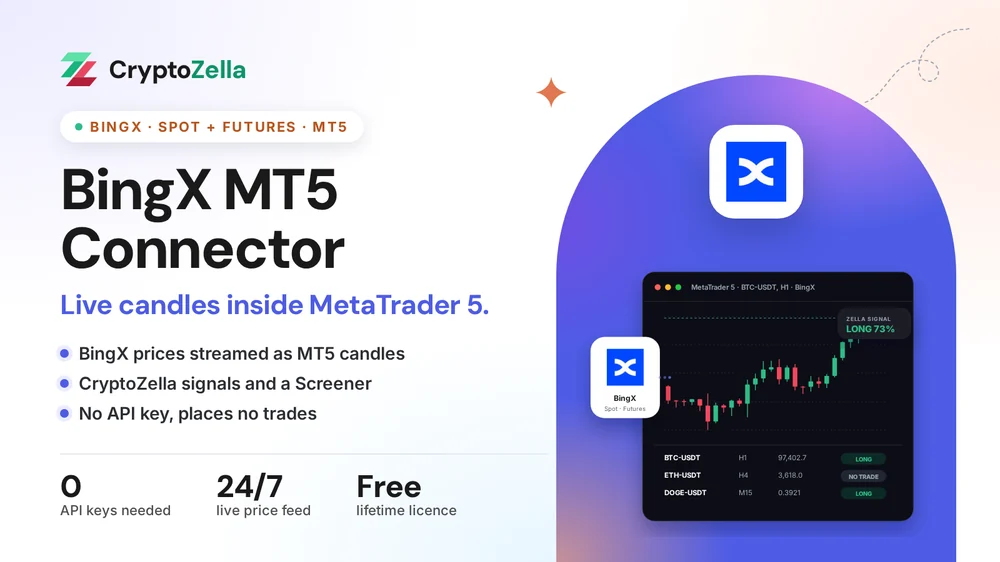
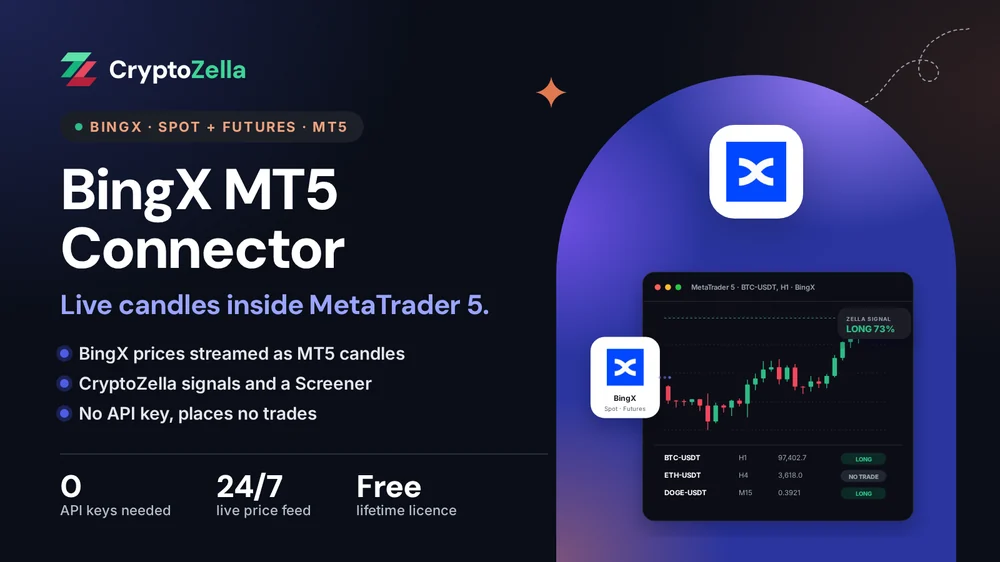
The connector reads the public BingX price feed and builds live candles in MT5. Your indicators, alerts and backtests then run on BingX pairs, while every order stays in your own hands on BingX.
Setup
Support stays with you through each step, so a stalled install never leaves you stuck.
Register at BingX with the CryptoZella partner link and finish the verification BingX asks for. Already trading on BingX? Keep that account and add a second one through our link. A BingX sub-account will not do here, because BingX creates it inside your existing main account and it shares that account's identity.
Copy the user ID (UID) of the new BingX account and email it to support@cryptozella.com, or use the contact page. Once support confirms it, your licence for the BingX connector and the signal bot goes live.
Put the connector file and its helper library into the MT5 data folder, then allow DLL imports in MT5's options. Pick a BingX market, for example the BTC-USDT perpetual, and its candles start to form.
MT5 bridge
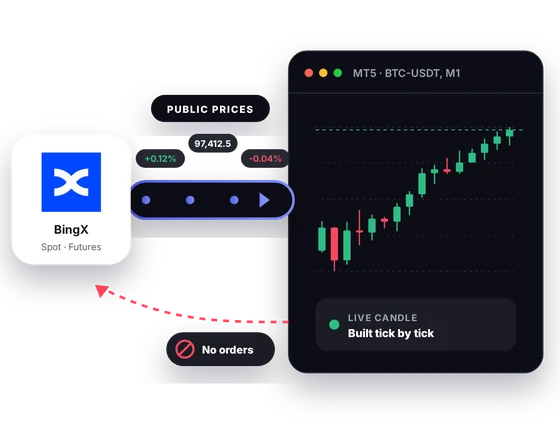
BingX runs spot plus USDT-M and USDC-M perpetuals. The connector reads their public prices and shapes them into MT5 candles. Its design leaves no return channel to BingX.
Inside MT5
Six things change once BingX prices live in your MT5 terminal.
BingX runs perpetuals margined in USDT and others margined in USDC. Put the BTC-USDT and BTC-USDC contracts on neighboring charts and see whether they move in step.
Keep a BingX spot pair and its perpetual on two synced charts. Any gap between the coin and the contract shows up at a glance.
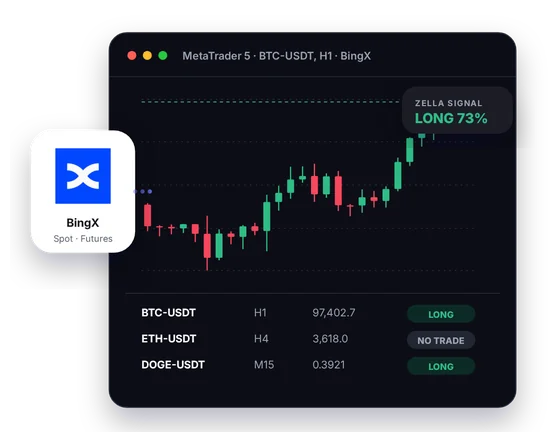
CryptoZella reads appear on the BingX chart itself, so you weigh them against your own levels and trendlines. Treat each read as an opinion on probability, never as an order to trade.
The Screener lists the BingX symbols you follow with the current read for each. Scan it before you open the BingX app, then pick the pair that deserves a closer look.
Set MT5 alerts on BingX candles so the terminal tells you when price reaches a line you drew. You still go to BingX to place the order by hand.
Run an indicator or an Expert Advisor through the Strategy Tester on the BingX candles MT5 has stored. The report covers the past only and says nothing certain about your next trade.
In one picture
One screen holds the BingX feed, your chart, the signal and the Screener.
Public BingX spot and perpetual prices feed the chart.
The current bar updates as BingX prices move.
The latest read sits on the chart with its direction and confidence.
A table of your BingX symbols, each with its current read.
Copy trading
BingX is popular with traders who follow others. The connector does not join that copy service, but it gives followers a full MT5 chart to judge each call on.
A call from a lead trader looks small in a phone app. Open the same BingX perpetual in MT5 and check its structure before you copy it by hand.
A copier or signal EA can watch BingX candles and alert you to a setup. It has no way to send an order to BingX.
CryptoZella never places, mirrors or syncs a trade on BingX. Your positions there come only from your own taps and clicks.
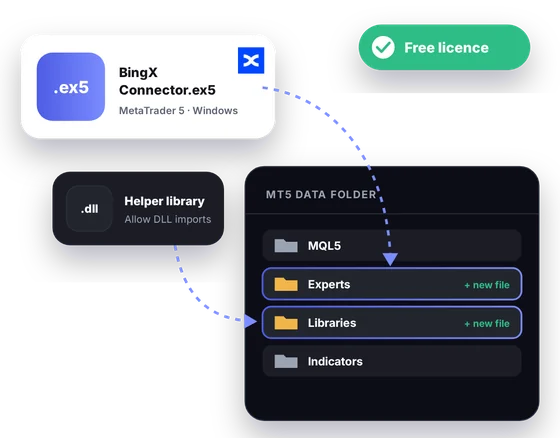
Free download
You need MT5 installed on a Windows desktop to use it. The partner sign-up and a UID check unlock a licence that never expires.
Markets
These details come from BingX's own public market data and help pages.
Read-only
The connector only listens to prices that BingX publishes for everyone.
You never create an API key for this connector, so there is no key to leak or revoke.
Your BingX account is never connected to MT5. Support sees your UID for the licence and nothing more.
Nothing in MT5 can open a BingX position or move your funds. Every trade is one you place yourself on BingX.
Partner sign-up links
Open a new account through any link below, then send support its UID or trader ID. One lifetime licence follows, for the connectors and every expiry of the signal bot.
Crypto exchanges
Binary options brokers
These are partner links: we may earn a commission when you open an account, at no cost to you. Crypto and binary options trading carry a high risk of loss, so read the risk warning first.
FAQ
No. The connector reads BingX's public prices, which need no key at all. Your BingX security settings stay exactly as they are.
Yes, with a second account opened through the CryptoZella link. The licence is tied to accounts BingX records under our partner ID, and an account opened elsewhere is not one of them. A sub-account does not solve this, since BingX creates it under your existing main account.
BingX lists USDC-M perpetuals beside the USDT-M ones, such as BTC-USDC. The connector streams BingX's public futures prices, so both families can sit on your MT5 charts. If a contract you need is missing, tell support.
No. It has no way to send orders, because it never holds access to your account. An Expert Advisor can analyze BingX charts in MT5, but the trade itself is yours to place on BingX.
The connector needs the MT5 desktop terminal on Windows. On a phone, the CryptoZella signal bot in your browser is the option that works.
No. A signal is a read on probability, and it can be wrong. Perpetual futures with leverage can lose more than you planned, so read the risk warning before you size a position.
Nothing, for life, once support confirms the BingX account you opened through our link. That same licence opens every timeframe of the signal bot.
Support works around the clock and walks every user through setup. Write through the contact page or to support@cryptozella.com with a short note on where you got stuck.
More connectors
Free lifetime licence
Open your account through our link, send the UID, and support activates a free licence for life.


