Altcoins beyond the majors
Gate.io quotes a long tail of smaller tokens against USDT. Chart them in MT5 with the same indicators you already run on BTC_USDT.
 Gate.io connector for MT5
The connector pipes Gate.io's public prices into MT5 as live candles, from BTC_USDT spot to dated delivery contracts. CryptoZella signals and a Screener sit on top, and you still trade by hand on Gate.io.
Setup
Setup takes one sign-up, one message to support and one install. Support stays with you until the first Gate.io chart loads.
Register on Gate.io with the CryptoZella partner link, so the account is recorded under our partner ID. Already trading on Gate.io without our link? Gate.io sub-accounts are created under your existing main account and cannot be deleted later, so ask support before you make one. A fresh account opened through our link always qualifies.
Copy the user ID (UID) of that Gate.io account and send it to support@cryptozella.com or through the contact page. Support checks it against our partner records and activates your free lifetime licence.
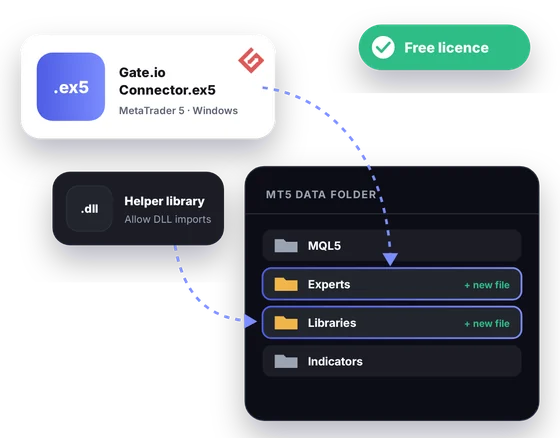
Put the connector file and its helper library in the MT5 data folder, then allow DLL imports in MT5's options. Open a Gate.io symbol and its candles start to build live.
 Gate.io spot and futuresLive public prices
MT5 bridge
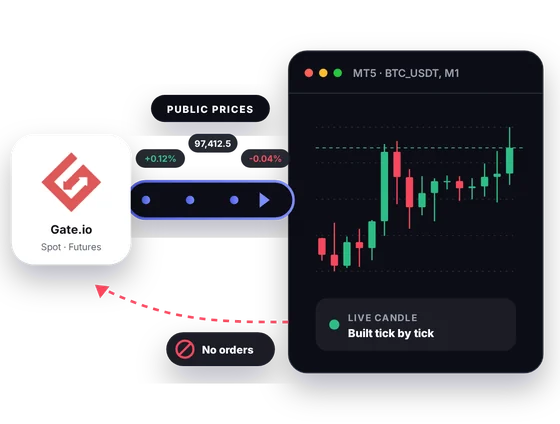
Gate.io offers spot, perpetual and delivery markets on a public feed. The connector takes those prices and turns them into MT5 candles. Your Gate.io account sits outside the flow.
Inside MT5
Gate.io lists a wide range of tokens and several kinds of contracts. MT5 gives you one place to study them side by side.
Gate.io quotes a long tail of smaller tokens against USDT. Chart them in MT5 with the same indicators you already run on BTC_USDT.
Open a USDT perpetual and a delivery contract on the same coin in two windows. The gap between them is easy to read when both share one timeframe.
Gate.io's BTC-settled perpetual, BTC_USD, is priced in dollars but margined in bitcoin. Watch it beside BTC_USDT to see how the two books move.
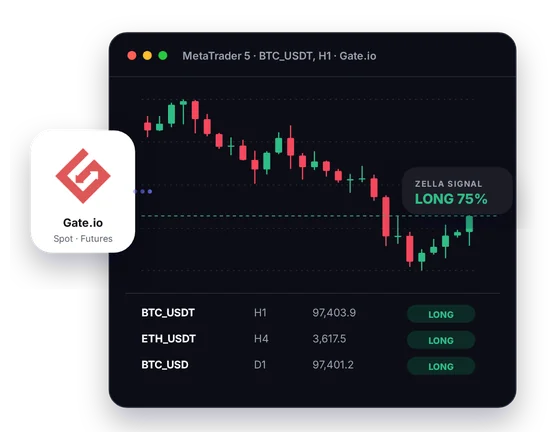
CryptoZella reads appear right on the Gate.io chart you have open. Treat each one as a probability call, then make the decision yourself.
Load the Gate.io symbols you follow into the Screener table. It shows the current read for each, so you know which chart to open first.
Run an Expert Advisor in the Strategy Tester on candles the connector has recorded. A backtest describes the past only and says nothing certain about tomorrow.
In one picture
The picture shows a full working screen. Each callout explains one part of it.
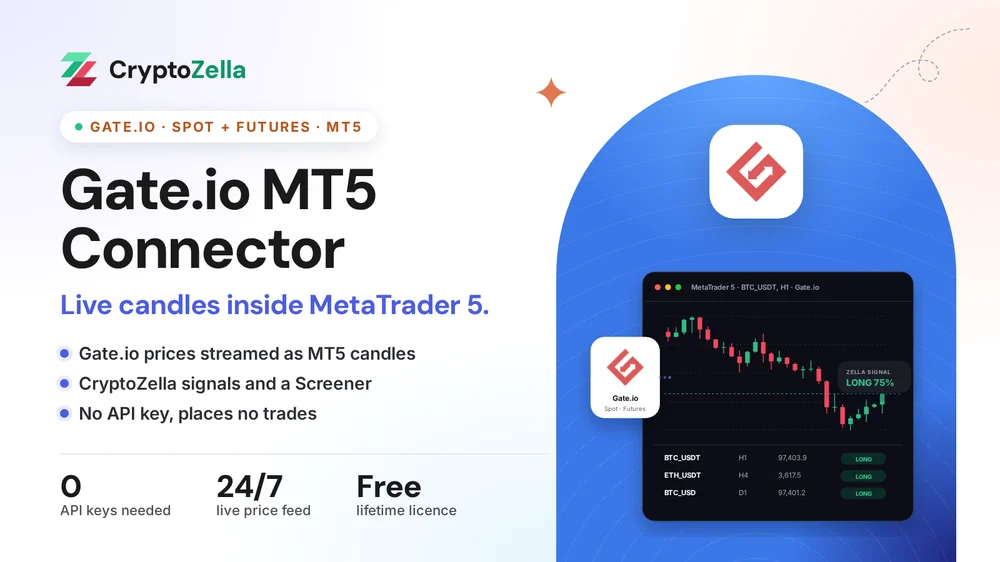
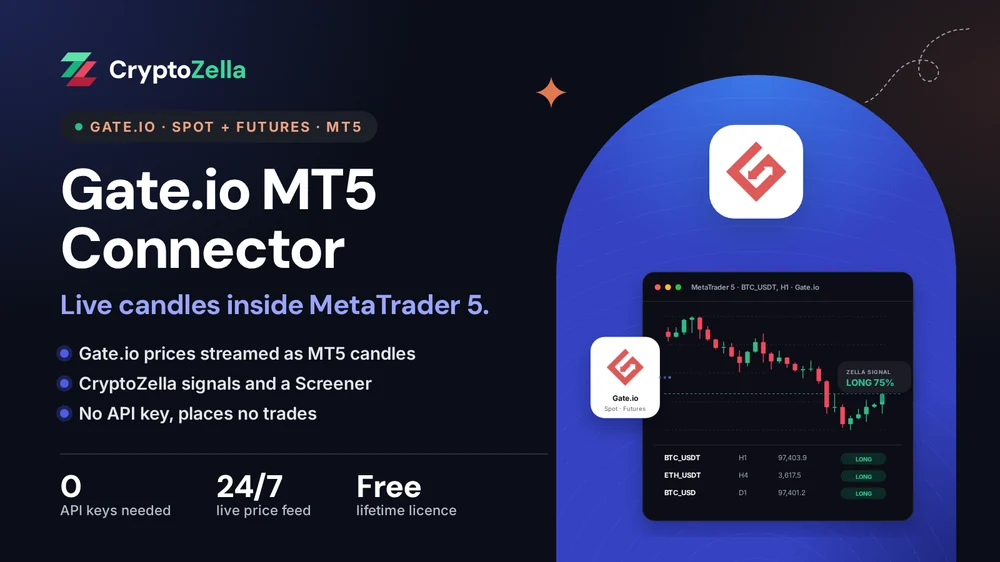
Every candle comes from Gate.io's public market data. No other exchange is mixed in.
The current bar keeps updating while it is open, on whatever MT5 timeframe you pick.
A marker on the chart carries the latest CryptoZella read for that Gate.io symbol.
A side table lists several Gate.io symbols with their current reads at a glance.
Copy trading
Whether you follow a person or an expert advisor, the check happens on a chart. The connector puts Gate.io's markets on that chart in MT5.
A copied call is only useful on the contract it was meant for. Open BTC_USDT perpetual or the dated delivery contract in MT5 and confirm it.
A copier expert can read Gate.io candles and flag a match with its rules. Without account access, it stops at the alert.
No trade is ever copied onto Gate.io for you. When you act on a call, you enter it on Gate.io yourself.
Free download
The connector works with the MetaTrader 5 desktop terminal. A lifetime licence, free once your partner sign-up and UID are checked, activates it.
Markets
These rows come from Gate.io's own market listings. Symbol names are shown the way Gate.io writes them.
Read-only
The connector only listens to prices that Gate.io publishes for everyone.
You never create or paste a Gate.io API key. The connector has nothing to sign requests with.
It does not log in to Gate.io, so your balances, positions and sub-accounts stay unseen.
It cannot open a trade or move funds on Gate.io. Every order is yours, placed by hand on the exchange.
Partner sign-up links
Open a new account through any link below, then send support its UID or trader ID. One lifetime licence follows, for the connectors and every expiry of the signal bot.
Crypto exchanges
Binary options brokers
These are partner links: we may earn a commission when you open an account, at no cost to you. Crypto and binary options trading carry a high risk of loss, so read the risk warning first.
FAQ
Yes. Gate.io's USDT-settled delivery contracts carry their expiry date in the name, such as BTC_USDT_20270326. When one expires, you move to the next listed date.
Yes, BTC_USD belongs to Gate.io's BTC-settled futures. It gives you a second view of bitcoin next to the USDT contract. Keep in mind that margin and profit on an inverse contract are counted in BTC.
For the free licence, yes, because the account has to be registered through our partner link. A Gate.io sub-account sits under the main account you already have, so ask support before you count on one. Your old account keeps working as it always has.
You choose which Gate.io symbols the Screener follows, small caps included. Thin markets can print gappy candles, so read their signals with extra care.
No. The connector reads public prices only and never connects to your account. Check positions and balances on Gate.io itself.
Yes, the connector runs inside the MT5 desktop terminal on Windows. MT5 on a phone or in a browser cannot load it. On mobile, the CryptoZella signal bot works in any browser tab.
No. A signal is an opinion on probability, not a recommendation to buy or sell. Leverage on Gate.io futures can lose you more than you planned, so read the risk warning before you trade.
Nothing, and it does not expire. Sign up on Gate.io through our link, send your UID, and support switches it on. The same licence also unlocks every timeframe of the signal bot.
More connectors
Free lifetime licence
Open your account through our link, send the UID and install the file. Support answers around the clock if a step gets stuck.


