One coin, several fiat quotes
Kraken lists bitcoin against USD, EUR, GBP, CAD, AUD, JPY and CHF. Line up the dollar and euro markets on two charts and compare them with your own indicators.
 Kraken connector for MT5
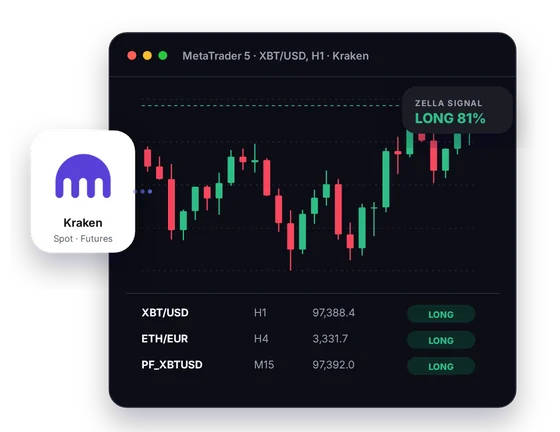
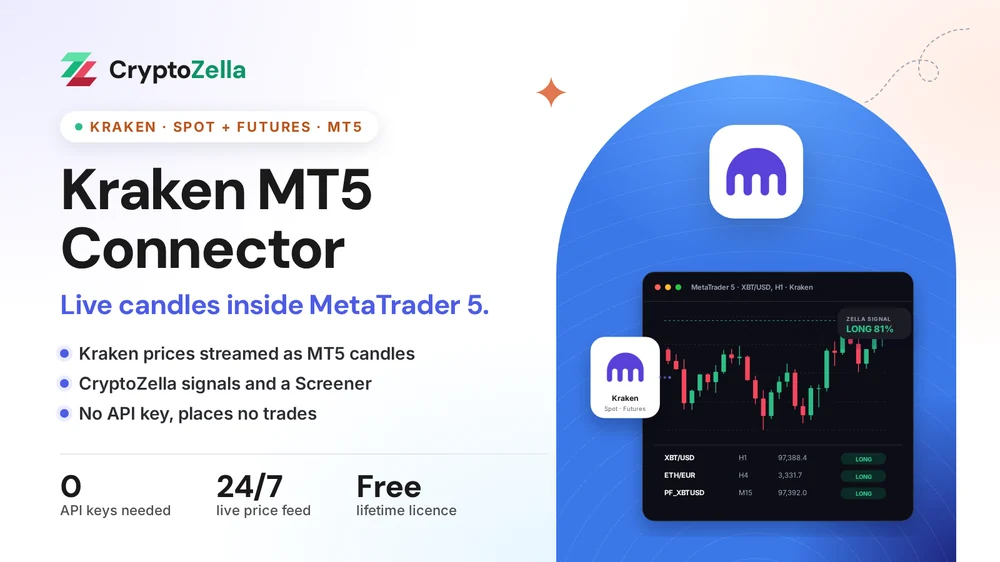
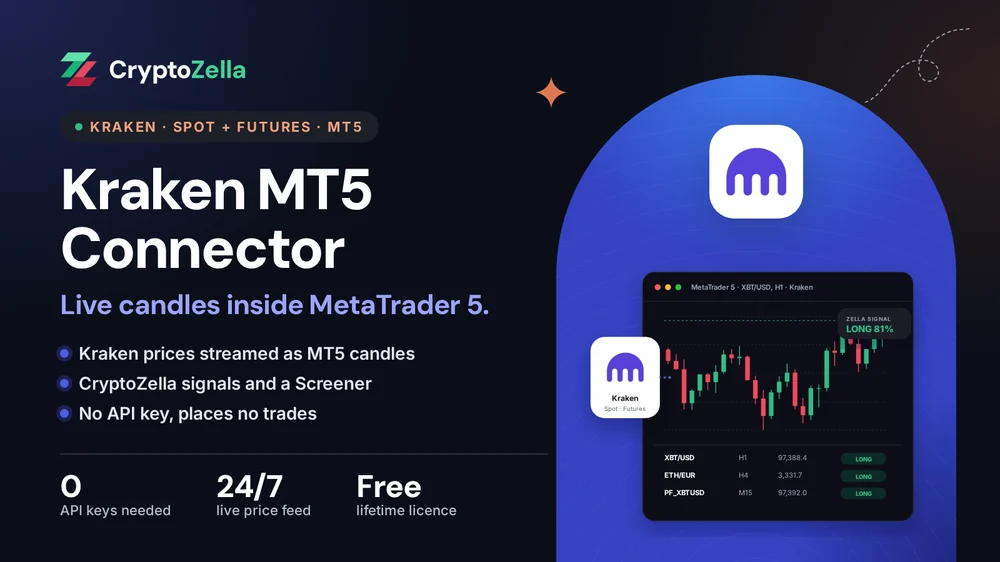
Kraken quotes many coins directly against dollars, euros and pounds. The connector turns those public prices into live MT5 candles, so your MT5 indicators work on the same books you trade.
Setup
Each step is short, and the support team answers at any hour if you need a hand.
CryptoZella has no partner link at Kraken, so the licence comes from a partner exchange. Open a new account at Binance, MEXC or XT.COM through our link. You keep trading on Kraken as before.
Email the user ID (UID) of the new partner exchange account to support@cryptozella.com. Support checks it against our partner records and switches on your free lifetime licence. That same licence unlocks the Kraken connector.
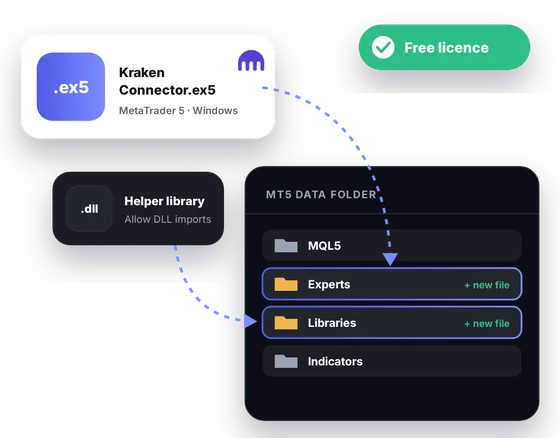
Copy the download into the MT5 data folder and allow DLL imports in MT5's options. Then pick a Kraken pair, such as bitcoin against the euro, and live candles begin to draw.
MT5 bridge
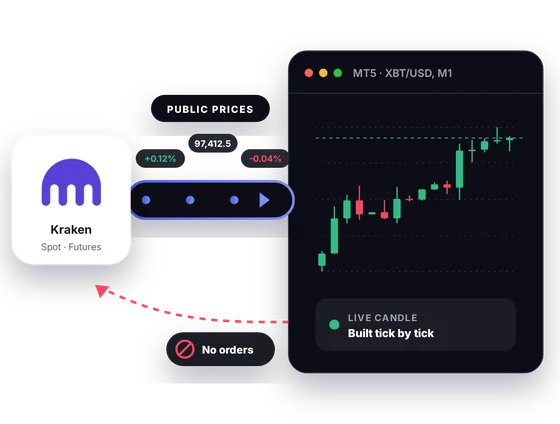
Kraken publishes spot prices in many fiat currencies and runs Kraken Futures alongside. The connector carries both feeds into MT5 as candles. No message ever goes from MT5 to Kraken.
Inside MT5
Kraken's market layout rewards a terminal that holds many charts at once.
Kraken lists bitcoin against USD, EUR, GBP, CAD, AUD, JPY and CHF. Line up the dollar and euro markets on two charts and compare them with your own indicators.
Kraken writes bitcoin as XBT in its pair names, so XBT/USD is the bitcoin-dollar market. It is the same coin; only the code differs from the BTC you see elsewhere.
Kraken Futures quotes its contracts in USD. Put the bitcoin perpetual beside XBT/USD spot to see how the two prices relate.
Kraken Futures lists perpetuals alongside contracts with a set expiry date. A dated contract charted next to the perpetual shows the gap the market places between them.
CryptoZella reads appear on your Kraken charts, and the Screener lists the read for each Kraken symbol you follow. Use them as one input among your own, never as a promise.
Test an indicator or EA on the history MT5 has recorded from Kraken. A backtest describes what happened before, not what the coming week will bring.
In one picture
The picture shows the four parts you will see after setup.
Public Kraken spot and futures quotes are the only data source.
Bars form in MT5 as Kraken's prices change through the session.
Direction and confidence show on the chart beside your drawings.
Several Kraken symbols at once, each with its latest read.
Copy trading
Copy trading on Kraken data starts with a chart you trust. The connector gives copier and signal experts in MT5 that chart, without any reach into Kraken.
A copier EA can read XBT/EUR or a Kraken Futures perpetual and raise its alerts. The connector hands it prices and no trading access.
When someone posts a Kraken setup, rebuild it on your MT5 chart first. If it holds up, you enter it on Kraken yourself.
Nothing copies or syncs trades into your Kraken account. Each order is one you place in Kraken's own apps.
Free download
It installs into the MetaTrader 5 desktop terminal on Windows. A free lifetime licence from one of our partner exchanges switches it on.
Markets
Checked against Kraken's own public market data and API documentation.
Read-only
Kraken publishes these prices for anyone, and that public feed is all the connector touches.
Kraken's API key settings stay untouched, since public prices need no key.
MT5 never signs in to Kraken. The only account detail we see is the partner exchange UID you send for the licence.
The connector cannot buy, sell or move funds on Kraken. You place each trade yourself in Kraken's own apps.
Partner sign-up links
Open a new account through any link below, then send support its UID or trader ID. One lifetime licence follows, for the connectors and every expiry of the signal bot.
Crypto exchanges
Binary options brokers
These are partner links: we may earn a commission when you open an account, at no cost to you. Crypto and binary options trading carry a high risk of loss, so read the risk warning first.
FAQ
XBT is the code Kraken uses for bitcoin in its asset and pair names, such as XBT/USD. It refers to the same coin that other exchanges call BTC.
We have no partner link at Kraken, so the licence is tied to a new account at Binance, MEXC or XT.COM opened through our link. Send that account's UID to support, and the licence unlocks the Kraken connector. Your Kraken account keeps working exactly as before.
No, because CryptoZella has no partner link at Kraken. The licence comes from a new account at Binance, MEXC or XT.COM. Kraken stays your trading venue, and the connector simply reads its public prices.
Kraken quotes many coins in EUR and GBP, and the connector streams Kraken's public spot prices. Those pairs can therefore sit on MT5 charts like any dollar pair. If one you need is missing, support will look into it.
Yes, the connector carries Kraken's public futures prices alongside spot. Those contracts are quoted in USD and include both perpetuals and fixed-date futures.
No. An EA can read Kraken candles and test ideas in the Strategy Tester, but the connector sends nothing back to Kraken. Orders happen only when you place them on Kraken.
A Windows PC with the MetaTrader 5 desktop terminal installed. The connector goes into the MT5 data folder and needs DLL imports allowed in MT5's options.
Leveraged futures can lose more than you expect, and no signal changes that. Use CryptoZella reads as one opinion, size positions with care, and read the risk warning first.
More connectors
Free lifetime licence
Open a partner exchange account through our link and send its UID. One free licence then covers the Kraken connector and the full signal bot.


