Coin-M against USDT-M
Open btc_usd from the coin-margined side next to btc_usdt from the USDT side. That puts two contract families on one coin in a single terminal.
 XT.COM connector for MT5
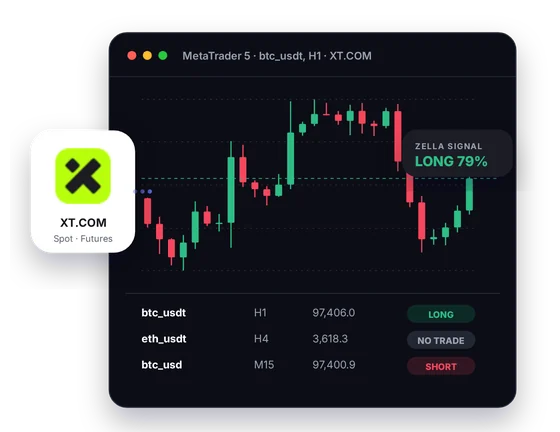
The connector turns XT.COM's public prices into MT5 candles, covering both its USDT-margined and coin-margined contracts. Signals and a Screener come with it, while your orders stay manual on XT.COM.
Setup
Each step is short, and the support team can guide you through all of them.
Create your XT.COM account using the CryptoZella partner link, so XT.COM records it under our partner ID. An account you opened earlier without our link cannot carry the licence. Register a fresh one through us, and write to support first if you would rather ask about a sub-account.
Message your XT.COM user ID to support@cryptozella.com or use the contact page. After support confirms it, the licence is switched on for life.
Place the connector and helper library in the MT5 data folder and turn on DLL imports in MT5's options. Pick an XT.COM symbol and its live candles appear.
MT5 bridge
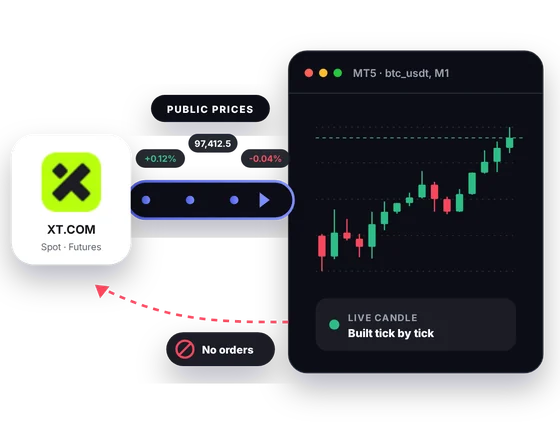
XT.COM publishes prices for spot, USDT-M and Coin-M markets. The connector streams them into MT5 and forms candles there. There is no lane back to XT.COM.
Inside MT5
XT.COM splits its futures into two separate families. MT5 lets you look at both, plus spot, without switching sites.
Open btc_usd from the coin-margined side next to btc_usdt from the USDT side. That puts two contract families on one coin in a single terminal.
Both families list quarterly futures such as btc_usdt_270326. Track how a quarterly trades against its perpetual as expiry gets closer.
XT.COM spot also quotes coins in USDC, USD1, BTC, ETH and its own XT token. Chart a coin in more than one quote if that is how you trade it.
A CryptoZella read is drawn on the symbol you have open. Use it as one input among your own checks, not as an instruction.
Put the spot pairs and contracts you watch into one Screener. Its table shows where each one stands right now.
Save a layout for XT.COM charts, set MT5 alerts on price levels, and test EAs on recorded history. Test results describe the past and promise nothing.
In one picture
One image, four labelled parts of the setup.
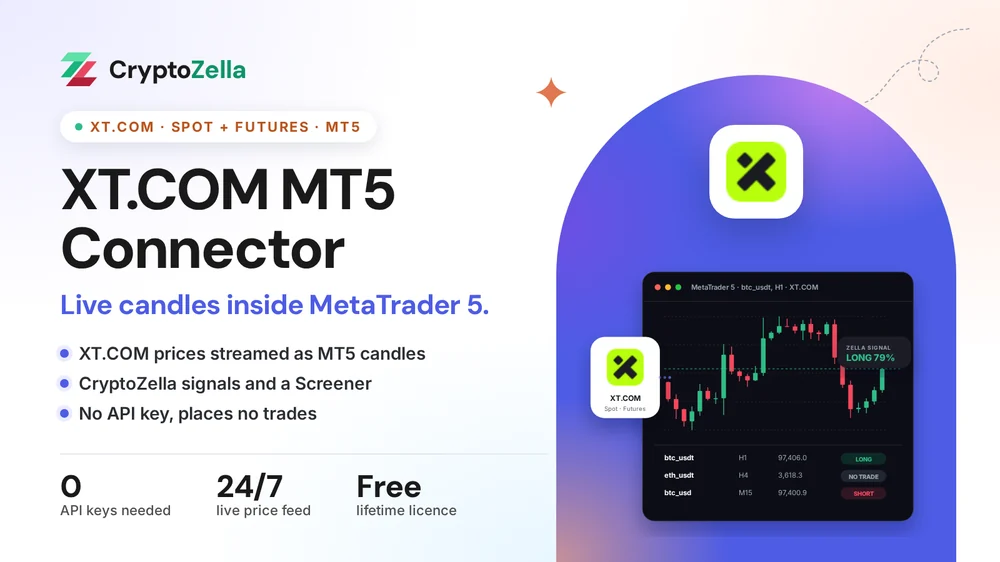
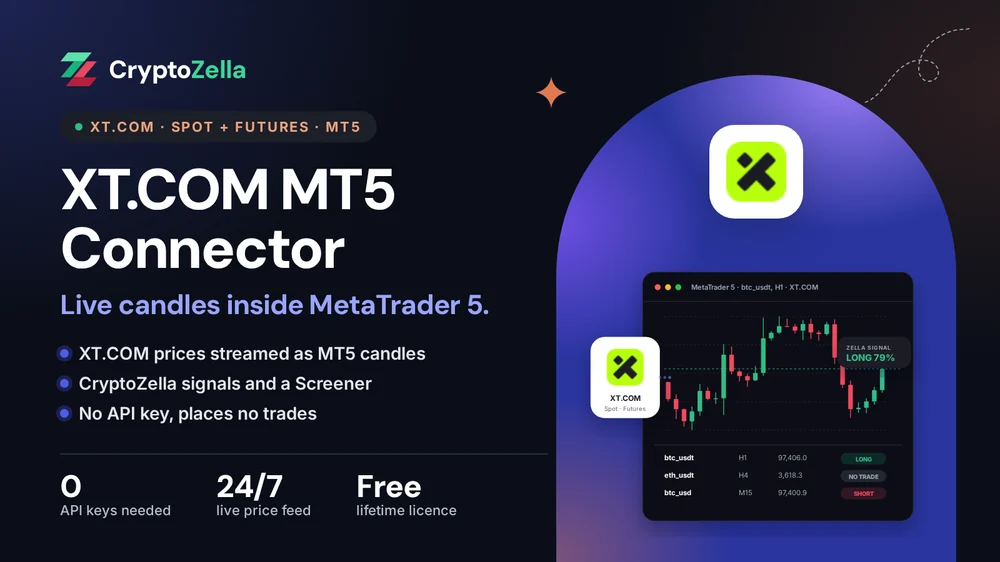
Each bar is built from public market data published by XT.COM.
Charts refresh as new XT.COM prices arrive, on the timeframe you set in MT5.
The latest read for that XT.COM symbol is shown on the chart itself.
A table beside the chart lists your XT.COM watchlist with each symbol's current read.
Copy trading
Copy trading starts with reading the market a call was made on. The connector shows XT.COM markets in MT5 so the reading is yours.
A shared XT.COM call may target btc_usd or btc_usdt. Chart the right one in MT5 before you repeat the trade by hand.
An Expert Advisor can follow XT.COM candles and send you alerts. It has no access that would let it trade.
Nothing is placed, copied or synced on XT.COM by the connector. You enter each XT.COM order in person.
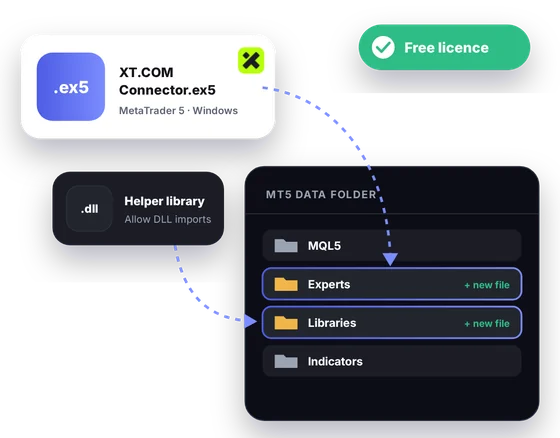
Free download
Plan on a Windows PC running the MT5 desktop terminal. After the partner sign-up and UID check, a free licence keeps it unlocked for life.
Markets
These facts come from XT.COM's public symbol lists. XT.COM writes its symbol names in lowercase.
Read-only
Prices that XT.COM publishes openly are all the connector uses.
Setup does not ask you to create, copy or store an XT.COM API key.
The connector never logs in, so your XT.COM balances, positions and history stay private.
It has no way to buy, sell or withdraw on XT.COM. You place each trade manually on the exchange.
Partner sign-up links
Open a new account through any link below, then send support its UID or trader ID. One lifetime licence follows, for the connectors and every expiry of the signal bot.
Crypto exchanges
Binary options brokers
These are partner links: we may earn a commission when you open an account, at no cost to you. Crypto and binary options trading carry a high risk of loss, so read the risk warning first.
FAQ
On XT.COM, btc_usdt is a USDT-margined contract and btc_usd belongs to the coin-margined family. In coin-margined futures, margin and profit are counted in the coin itself. The connector charts both, so you can compare them.
Yes. A quarterly contract ends in its expiry date written as YYMMDD, for example btc_usdt_270326. After expiry you switch to the next quarterly on the list.
That account was not opened with our partner link, so it cannot hold the licence. Open a new XT.COM account through our link for it. Your existing account keeps running exactly as before.
Yes, XT.COM lists spot pairs with XT as the quote asset, and the connector carries spot. Those pairs can be thinner than USDT pairs, so check the volume before you trust a pattern.
No. The connector reads public market data and never signs in to XT.COM. Your balances and orders stay on the exchange, out of MT5's reach.
A Windows PC running the MT5 desktop terminal. The connector does not load in MT5 on phones or in the browser. For a quick read on the go, use the CryptoZella signal bot instead.
No. Each signal is an opinion about probability, and some will be wrong. Leveraged futures can lose more than you expect, so size trades with care and read the risk warning.
For life, and it costs nothing. Once support activates it from your UID, it unlocks the XT.COM connector and all signal bot timeframes.
More connectors
Free lifetime licence
Sign up through our link, send the UID and drop the files into MT5. The 24/7 support team is a message away.


