Linear contracts in stablecoins
CoinEx linear futures are quoted, settled and margined in USDT or another stablecoin. Chart one next to spot to see how far the contract trades from the coin.
 CoinEx connector for MT5
CoinEx runs stablecoin-margined and coin-margined futures next to its spot market. The connector draws them as MT5 candles, so you study each market with the tools you already know.
Setup
Follow them in order, and write to support whenever something is unclear.
Register at CoinEx through the CryptoZella partner link. If you have a CoinEx account already, open a fresh one through the link rather than a sub-account. CoinEx sub-accounts are created by a main account, so they belong to the account you opened before.
Send the new account's user ID (UID) to support@cryptozella.com or through the contact page. Support confirms it and activates your free licence.
Place the connector and its helper library in the MT5 data folder and allow DLL imports. Choose a CoinEx market, such as BTCUSDT, and watch the first candles appear.
 CoinEx spot and futuresLive public prices
MT5 bridge
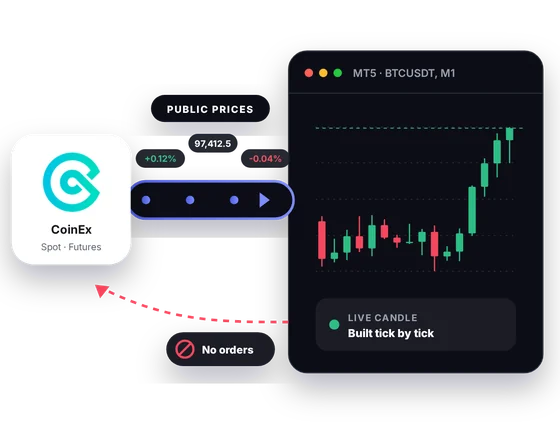
CoinEx shares public prices for spot and for its linear and inverse futures. The connector receives them and builds MT5 candles from each tick. It cannot pass anything back to CoinEx.
Inside MT5
These six are built around the way CoinEx organizes its markets.
CoinEx linear futures are quoted, settled and margined in USDT or another stablecoin. Chart one next to spot to see how far the contract trades from the coin.
Coin-margined futures on CoinEx are quoted in USD and settled in the underlying crypto. If you post BTC as margin, that contract gets its own MT5 chart.
CoinEx writes BTCUSDT for both its spot market and its linear futures market. Label each chart by market so the two never get mixed up.
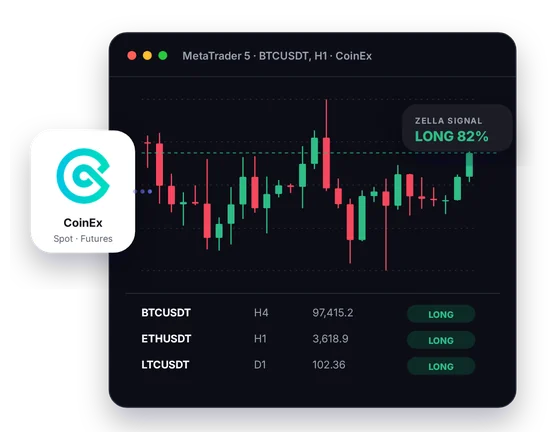
A CryptoZella read appears on any CoinEx chart you open in MT5. It offers a probability view to set against your own analysis, not a sure outcome.
The Screener puts the CoinEx symbols you track in one table with their current reads. It spares you clicking through charts one by one.
Load your own indicators, save the layout as a template, and apply it across your CoinEx charts. Your setup looks the same on every pair you study.
In one picture
Four labels mark what you will find on screen.
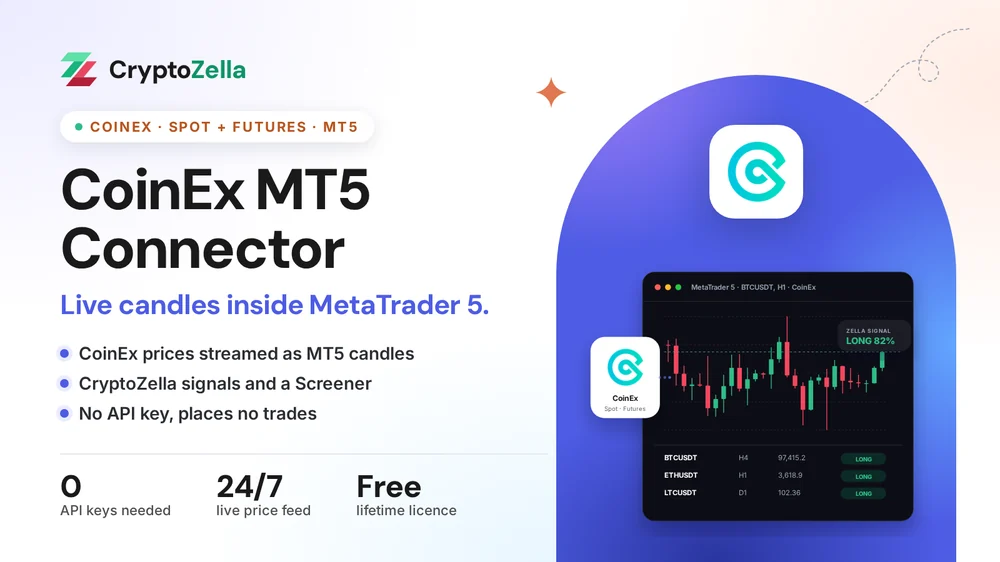
Prices come from CoinEx's public spot and futures data.
Bars build in real time, ready for any MT5 indicator.
The CryptoZella read marks direction and confidence.
One table covering the CoinEx symbols you watch.
Copy trading
Copying a trader works best when you can see what they saw. The connector shows CoinEx markets in MT5, and the copying itself stays a manual choice.
BTCUSDT names both a spot market and a linear future on CoinEx. Open the one the trader meant in MT5 before you follow them by hand.
Your copier or signal expert can process CoinEx candles and send alerts. It works with prices only and cannot touch your account.
The connector never mirrors a trade onto CoinEx. You open and close every CoinEx position yourself.
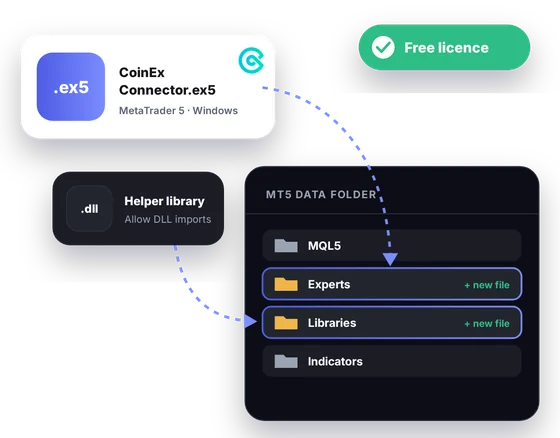
Free download
Made for MT5 on Windows desktop, it unlocks with a free licence for life. You get it after the partner sign-up and support's UID check.
Markets
Each row matches CoinEx's own API documentation.
Read-only
It works from the prices CoinEx shows to every visitor.
You skip CoinEx's API settings entirely, and no key is created or stored anywhere.
The connector has no idea which CoinEx account is yours. Your UID goes to support only, to match the licence.
MT5 cannot open, close or withdraw anything on CoinEx. Each trade is a decision you carry out on CoinEx yourself.
Partner sign-up links
Open a new account through any link below, then send support its UID or trader ID. One lifetime licence follows, for the connectors and every expiry of the signal bot.
Crypto exchanges
Binary options brokers
These are partner links: we may earn a commission when you open an account, at no cost to you. Crypto and binary options trading carry a high risk of loss, so read the risk warning first.
FAQ
CoinEx lists inverse contracts that are quoted in USD and settled in the coin. The connector streams CoinEx's public futures prices, so these contracts can be charted beside the linear ones.
Not when it hangs off an account you opened without our link. CoinEx creates sub-accounts from the main account, so they sit under that account rather than under our partner ID. A new main account through our link is the route that works.
Neither. The connector reads public CoinEx market data, and support only needs your UID to activate the licence.
Yes, in MT5's Strategy Tester, using the CoinEx history your terminal has recorded. Treat the result as a record of the past, because it does not forecast future trades.
No, it has no route for sending orders. You read the chart in MT5 and place any trade on CoinEx by hand.
It is built for the MT5 desktop terminal on Windows. MT4 and the MT5 mobile apps are not supported.
Yes, for life. Once support confirms your CoinEx account from our link, the licence covers this connector and every signal bot timeframe.
As one opinion among your own checks, never as a guarantee. Leverage can turn a small move into a large loss, so read the risk warning before trading.
More connectors
Free lifetime licence
One free licence opens the CoinEx connector and the full signal bot.


