Perpetual, dated and spot together
Put BTCUSD-PERP, a dated contract like BTCUSD-270326 and BTC_USD spot in three MT5 windows. Differences between them stand out when they share a timeframe.
 Crypto.com Exchange connector for MT5
This connector reads the Crypto.com Exchange, the order-book trading venue, not the Crypto.com App. Its public prices arrive in MT5 as live candles with CryptoZella signals drawn over them.
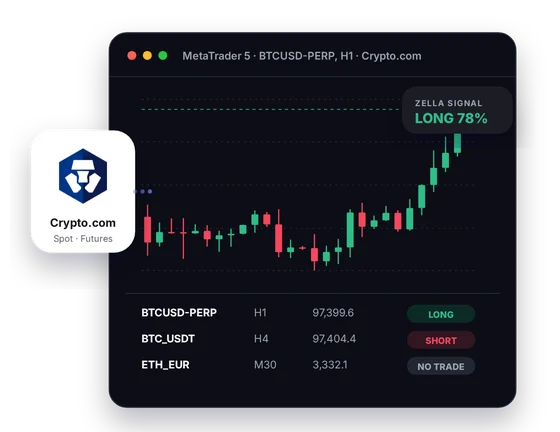
Setup
You need a Crypto.com Exchange account opened through our link, a licence and MT5 on Windows.
Sign up on the Crypto.com Exchange with the CryptoZella partner link. An App or Exchange account you opened before was not registered through us, so the licence needs a new account made via our link. Exchange sub-accounts are created inside your existing master account and inherit its verification tier, so check with support before you choose that route.
Find the user ID of the new Exchange account and send it to support@cryptozella.com or via the contact page. Once support matches it to our partner records, your lifetime licence is active.
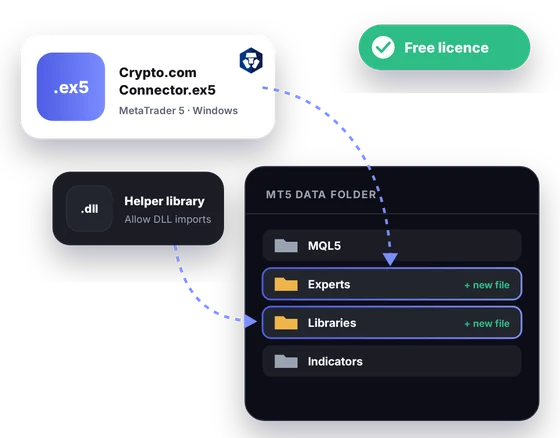
Copy the connector and its helper library into the MT5 data folder, and allow DLL imports in MT5's options. Then open a symbol such as BTCUSD-PERP and watch the candles fill in.
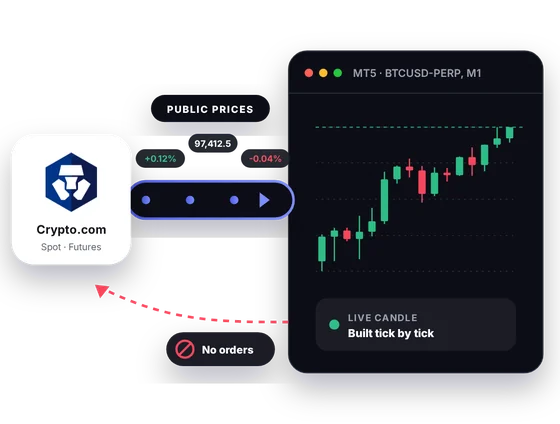
MT5 bridge
The Crypto.com Exchange publishes its order-book prices openly. The connector reads them and builds live MT5 candles for spot, perpetuals and dated futures. It sends nothing back to the Exchange.
Inside MT5
You keep placing orders on the Exchange. MT5 becomes the place where you study the chart.
Put BTCUSD-PERP, a dated contract like BTCUSD-270326 and BTC_USD spot in three MT5 windows. Differences between them stand out when they share a timeframe.
The Exchange lists pairs such as BTC_EUR and ETH_EUR. If you think in euros, chart them right beside the dollar books.
Many coins trade against both USD and USDT on the Exchange. Overlay BTC_USD and BTC_USDT to see whether the two books drift apart.
The CryptoZella read is drawn on the Crypto.com chart you are watching. It is one opinion on probability, never an order.
List the Exchange instruments you follow, spot and perpetual alike, in one Screener table. Each row shows that instrument's present read.
Apply custom indicators, templates and alerts, or test an EA in the Strategy Tester on recorded Exchange history. Good results in a test guarantee nothing going forward.
In one picture
Here is the connector at work on a single MT5 layout. The four callouts name each part.
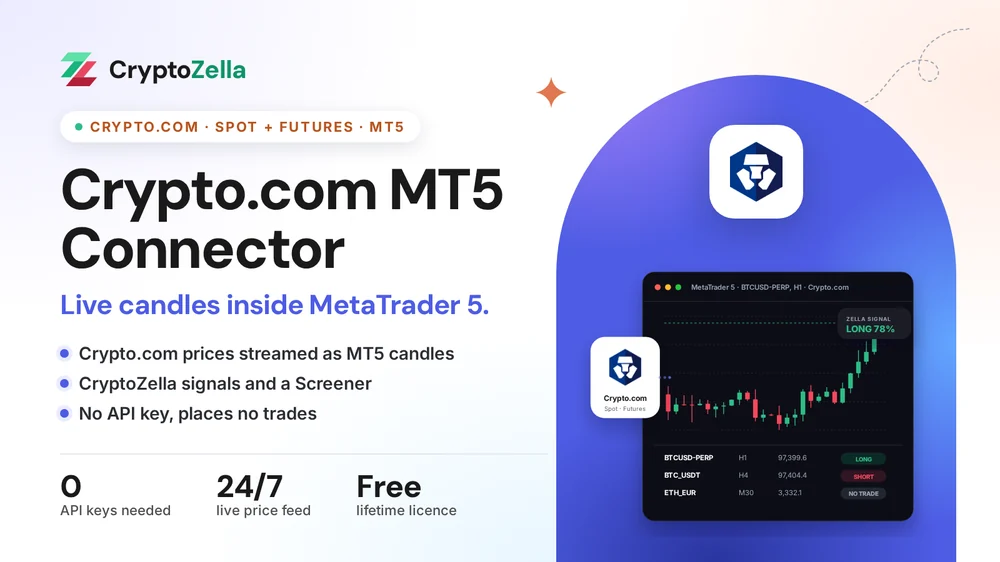
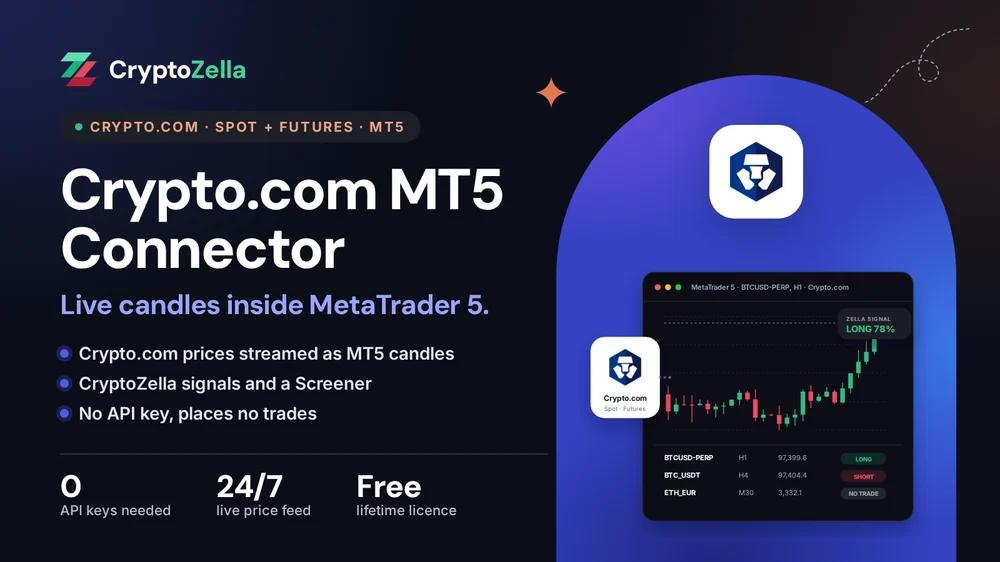
Prices come from the Exchange's public market data for the instruments on its order books.
The newest bar moves with each update until it closes, on the MT5 timeframe you select.
The current signal for the symbol sits on the price chart where you cannot miss it.
A compact table shows each watched Exchange symbol next to its present read.
Copy trading
A copied idea is only as good as the chart behind it. The connector gives you Crypto.com Exchange candles in MT5 to test each idea against.
The Exchange lists bitcoin in USD and in USDT. Check which book a shared call used, chart it in MT5, then decide whether to follow it by hand.
A signal or copier expert can read Crypto.com Exchange candles and alert you. It has no link to your account.
The connector cannot copy, mirror or sync a trade on Crypto.com. You place each order on the Exchange yourself.
 Crypto.com spot and futuresLive public prices
Free download
It is built for MT5 on a Windows desktop. Support activates the free lifetime licence after the partner sign-up and UID check.
Markets
Every row is taken from the Crypto.com Exchange's own instrument list. Names appear as the Exchange writes them.
Read-only
The connector listens to public Exchange prices and to nothing else.
You never generate a key on the Crypto.com Exchange for this. There is no read-only or trading key to protect.
It never signs in to your Crypto.com account, so wallets, sub-accounts and App balances stay out of view.
The connector cannot place an order, close a position or withdraw funds. Trades happen only when you place them by hand on the Exchange.
Partner sign-up links
Open a new account through any link below, then send support its UID or trader ID. One lifetime licence follows, for the connectors and every expiry of the signal bot.
Crypto exchanges
Binary options brokers
These are partner links: we may earn a commission when you open an account, at no cost to you. Crypto and binary options trading carry a high risk of loss, so read the risk warning first.
FAQ
It reads the Crypto.com Exchange only. The App is a separate product with its own wallets, and the connector takes no prices from it.
Not for the licence, because it was not opened through our partner link. You need a Crypto.com Exchange account registered through our link. Support can explain the options for your situation before you start.
Exchange sub-accounts sit under a master account and share its verification tier. Ask support first, because a sub-account belongs to the master account you already have.
The connector only shows prices; it does not decide what you may trade. Derivatives on the Crypto.com Exchange depend on your jurisdiction, and the Exchange restricts them in some regions. Check what your account permits before you plan a futures trade.
They are the expiry date in year, month, day order, here 26 March 2027. That makes it a dated future, while BTCUSD-PERP has no expiry.
It needs the MT5 desktop terminal running on Windows. Phones and the MT5 web version cannot run it. The CryptoZella signal bot is the browser option for those devices.
A signal is a probability opinion, not advice, and it can be wrong. You decide whether to trade, and on leveraged perpetuals a loss can exceed what you expected. The risk warning explains this in full.
Yes, there is no fee and no expiry date. It covers this connector and every timeframe of the CryptoZella signal bot. You unlock it by opening the account through our link and sending the UID.
More connectors
Free lifetime licence
Register through our link, send your UID and install the files. Our 24/7 team helps at every step.


