Two markets called BTCUSDT
Bybit uses BTCUSDT for both the spot pair and the USDT perpetual. Charting them side by side in MT5 makes the difference visible, as long as you label each window.
 Bybit connector for MT5
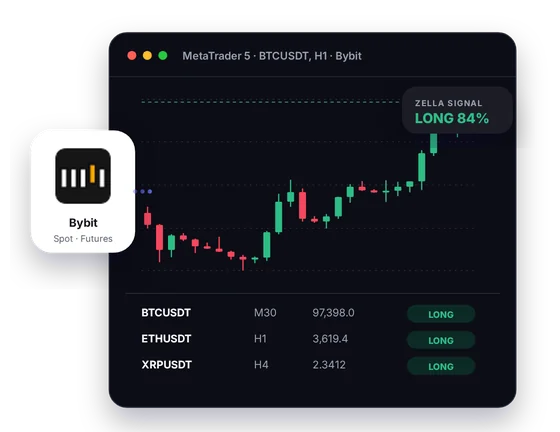
The connector carries Bybit's public spot and futures prices into MetaTrader 5, from BTCUSDT to the USDC perpetual BTCPERP. You analyse in MT5 with CryptoZella signals on the chart, then trade on Bybit by hand.
Setup
Open the account, claim the licence, install. Support can join you at any point.
Use the CryptoZella link when you register, so Bybit can tie the new account to our partner ID. Bybit lets only a main account sign up with a referral code, and its Standard Subaccounts cannot join referral programs. If you hold a Bybit account already, contact support before doing anything else.
Your UID is the account number Bybit assigns you. Send it to support@cryptozella.com and we activate the licence once the referral checks out. It covers the Bybit connector and the full signal bot.
Copy the connector and its helper library into the MT5 data folder. Enable DLL imports in MT5's options. Pick a Bybit symbol and your first live chart is ready.
MT5 bridge
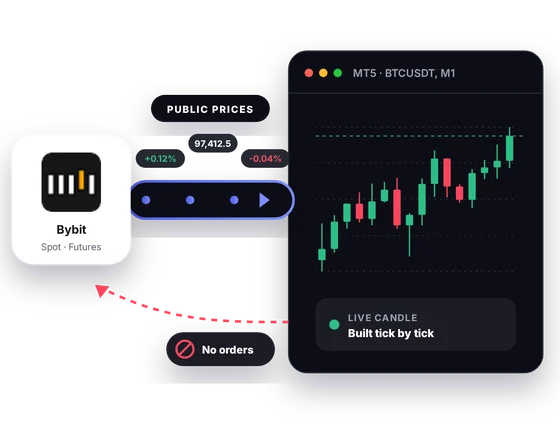
Bybit splits its markets into spot, linear and inverse categories. The connector carries the public prices of each into MT5 as candles. The bridge has no lane for orders.
Inside MT5
Bybit groups its markets into spot, linear and inverse. In MT5 you can hold all three in view and work them with the same tools.
Bybit uses BTCUSDT for both the spot pair and the USDT perpetual. Charting them side by side in MT5 makes the difference visible, as long as you label each window.
Contracts settled in USDC use a PERP ending, such as BTCPERP or ETHPERP. You can follow them next to their USDT twins.
BTCUSD is margined and settled in bitcoin, and dated versions carry a month code such as BTCUSDZ26. It suits traders who keep their margin in coins.
Set an MT5 alert on a Bybit level and let the terminal watch it. When it fires, you open Bybit and decide.
CryptoZella reads show up on the chart as LONG, SHORT or NO TRADE, each with a confidence score. Treat them as an opinion, never as a promise of profit.
One table holds your Bybit symbols and their latest read. Sort through it to decide which chart deserves your attention.
In one picture
The image labels the four parts you will use most once Bybit prices are in MT5.
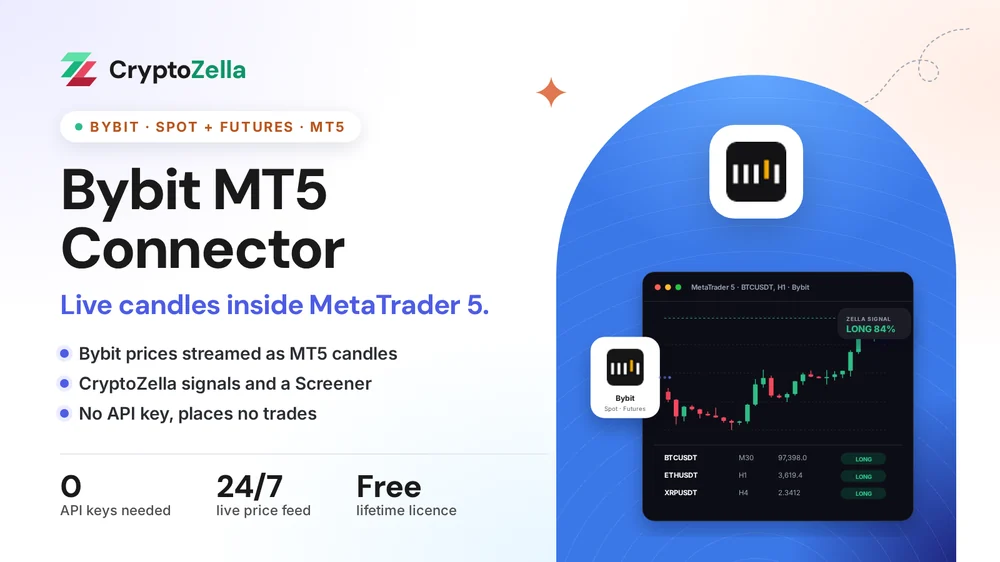
The quotes behind the chart are Bybit's public market data.
The open bar updates live, and closed bars stay for your analysis.
Direction and confidence appear on the chart beside your own drawings.
Several Bybit symbols share one table, each with its current read.
Copy trading
Following another trader on Bybit means trusting their timing. An MT5 chart fed by Bybit prices lets you see that timing for yourself.
Pull up the same linear or inverse contract in MT5 and read the candles around the entry. You decide whether to mirror it in the Bybit app.
An Expert Advisor that watches for setups can scan Bybit candles and raise alerts. It cannot reach your Bybit account.
No trade is copied, placed or synced on Bybit by CryptoZella. You enter each one in Bybit's own app or website.
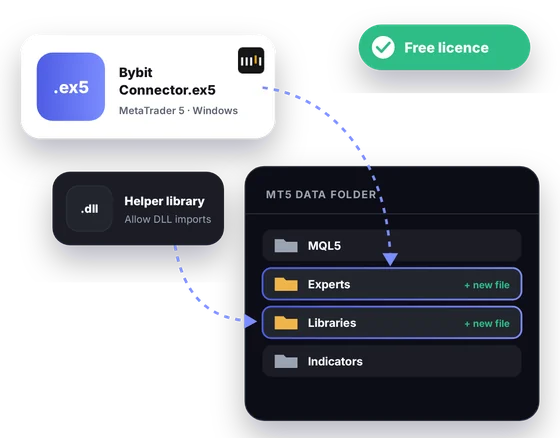
Free download
Windows and the MT5 desktop terminal are all it asks for. Once support confirms your partner sign-up and UID, the licence is free for life.
Markets
All of this is taken from Bybit's own public instrument data. Support confirms the symbols included in your setup.
Read-only
The connector works from prices Bybit shows the public. Your account is never part of the setup.
Nothing asks you to make a Bybit API key, so none can be misused.
Balances, margin and positions on Bybit are never read.
No order and no transfer can leave MT5 for Bybit through the connector.
Partner sign-up links
Open a new account through any link below, then send support its UID or trader ID. One lifetime licence follows, for the connectors and every expiry of the signal bot.
Crypto exchanges
Binary options brokers
These are partner links: we may earn a commission when you open an account, at no cost to you. Crypto and binary options trading carry a high risk of loss, so read the risk warning first.
FAQ
They are different products. Bybit's MT5 offer is a separate CFD account for products such as forex, gold, oil and indices. The CryptoZella connector does not use that account at all. It charts Bybit's crypto spot and futures prices in your own MT5 terminal.
Unfortunately it cannot. Bybit's subaccount FAQ says only the main account can register with a referral code, and Standard Subaccounts cannot join referral programs. The licence needs a main account opened through our link, so write to support if you already have one.
Bybit gives both markets the same symbol and separates them by category. Ask support how your install labels the two in MT5. Then name your chart windows so you never read the wrong one.
It is the bitcoin perpetual that settles in USDC. Bybit names its USDC perpetuals with a PERP ending, while USDT perpetuals end in USDT.
Bybit's inverse category holds perpetuals like BTCUSD and dated contracts like BTCUSDZ26, all margined in the coin. Support will confirm which of them your install streams.
Never. Signals are drawn on the chart and stop there. Leveraged Bybit futures can lose more than you plan, so read the risk warning before you act on any read.
Yes, MT5's Strategy Tester can replay recorded Bybit candles. The result tells you about the past and promises nothing about the next trade.
It unlocks the Bybit connector for MT5 and every timeframe of the CryptoZella signal bot. It is free and it never runs out.
More connectors
Free lifetime licence
Open your Bybit main account with our link, send the UID, and we will help you install.


